
Blog
-
Read more: From Chat to a Durable Doc: How Copilot Pages Bridge to Word
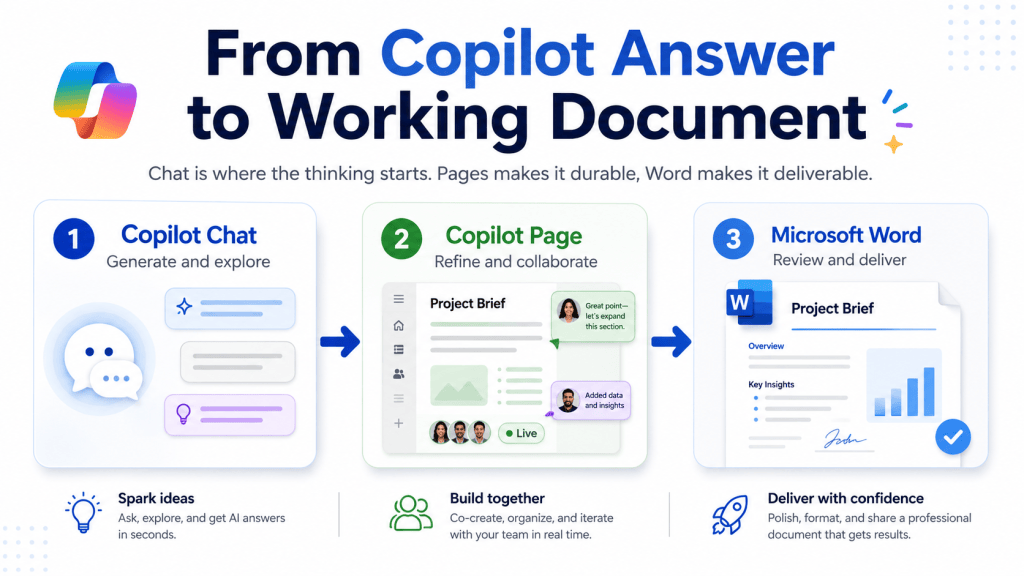
From Chat to a Durable Doc: How Copilot Pages Bridge to Word
A good Copilot Chat answer disappears the moment you close the window. Here’s how Copilot Pages turns it into something durable and shareable, and how to convert that Page into a real Word document.
-
Read more: What Is a Copilot Skill, Really? A Field Guide to Prompt, Skill, and Agent

What Is a Copilot Skill, Really? A Field Guide to Prompt, Skill, and Agent
“Skill” has become one of the most overloaded words in the Copilot vocabulary. Here is where it actually exists as a real feature in Microsoft 365 — Excel, PowerPoint, SharePoint, and Agent Builder — how the packaging differs on each surface, and how to tell when a repeated task belongs in a prompt, a skill,…
-
Read more: Chat-First, App-First: Create in the Agent, Refine in Word
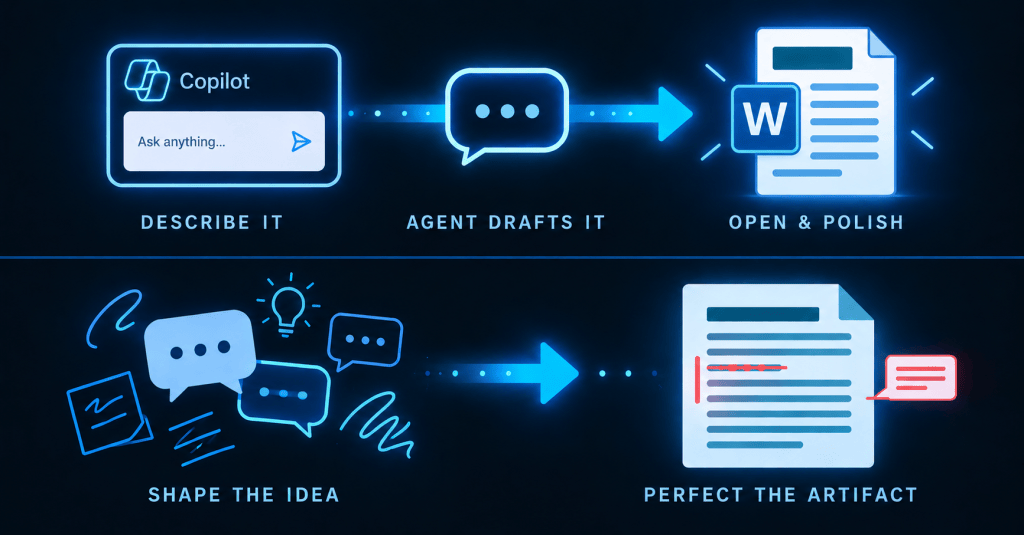
Chat-First, App-First: Create in the Agent, Refine in Word
There’s a natural rhythm to creating documents with Microsoft 365 Copilot that most people fall into by accident: start in chat, finish in the app. Here’s how the Word Agent and Edit with Copilot split the work.
-
Read more: Skip the Blank Doc: The Word Agent Builds It
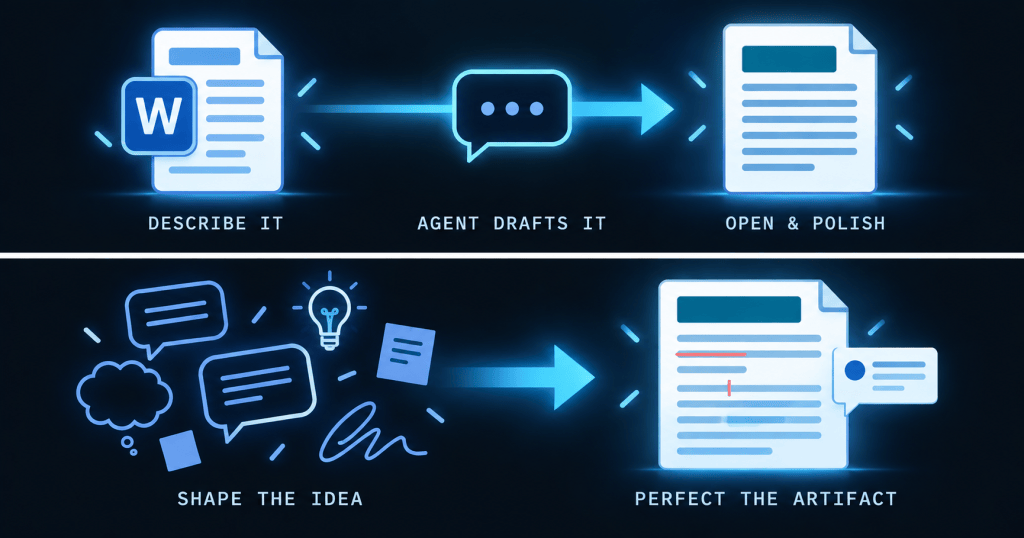
Skip the Blank Doc: The Word Agent Builds It
Edit with Copilot works inside a document you already have open — but what if the document doesn’t exist yet? That’s what the Word Agent is for.
-
Read more: Skip the Skim: How Copilot Summarizes and Questions a Long Document
Skip the Skim: How Copilot Summarizes and Questions a Long Document
A forty-page document and ten minutes before the meeting. Here’s how Copilot’s automatic summary and suggestion pills get you to the answer that matters, faster than reading it end to end.
-
Read more: Comparing ChatGPT Projects, Claude Projects, and Microsoft 365 Copilot Agents

Comparing ChatGPT Projects, Claude Projects, and Microsoft 365 Copilot Agents
The article compares AI productivity tools: ChatGPT Projects, Claude Projects, and Microsoft 365 Copilot Agents. Key distinctions include organizational capabilities, context retention, and integration. Projects focus on structure and collaboration, while agents provide real-time assistance. Understanding these differences helps users choose tools that align with their workflow needs for enhanced productivity.
Subscribe
Enter your email below to receive updates.

