
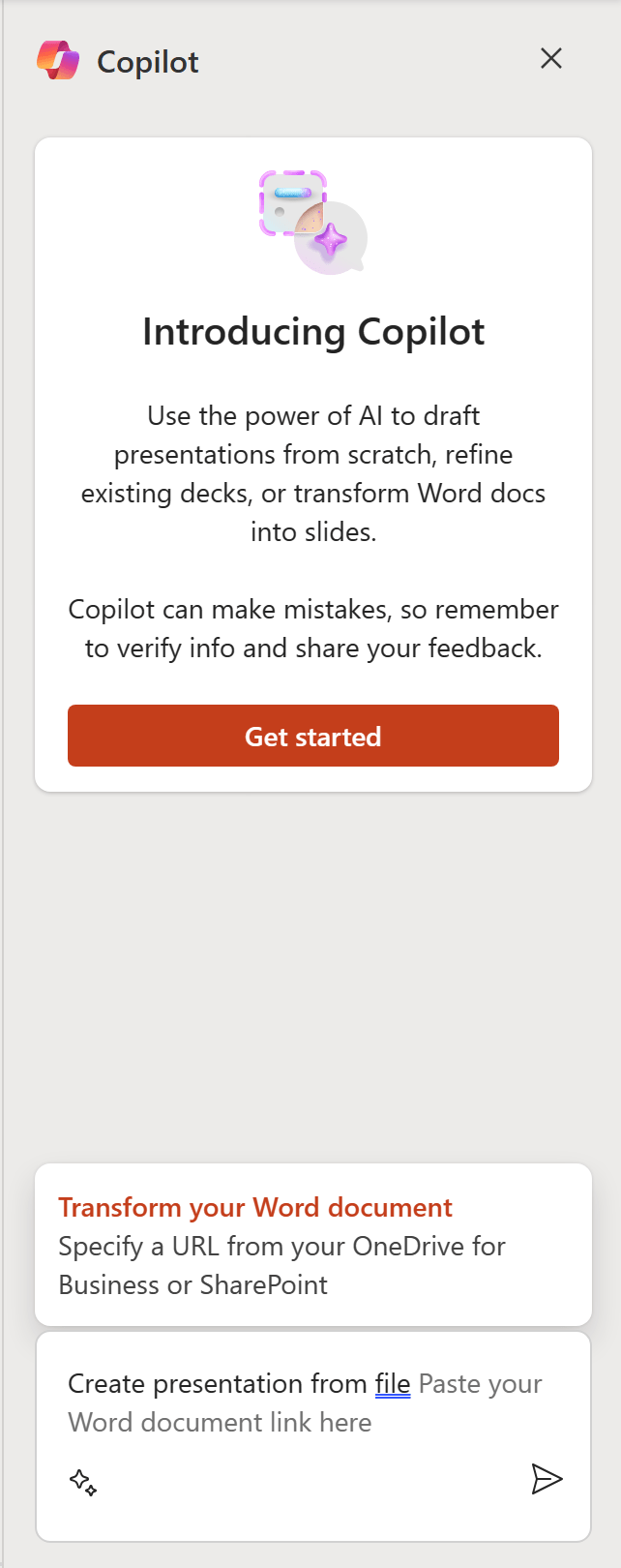
In the bustling arena of workplace productivity, Microsoft has been a forerunner with its suite of tools designed to foster collaboration, organization, and efficiency. Among its latest offerings is Microsoft 365 Copilot, a resource aimed at propelling businesses to new heights by simplifying the adoption and management of Microsoft 365 tools. The Copilot portal is an ally for those seeking to navigate the digital frontier of modern-day business operations.
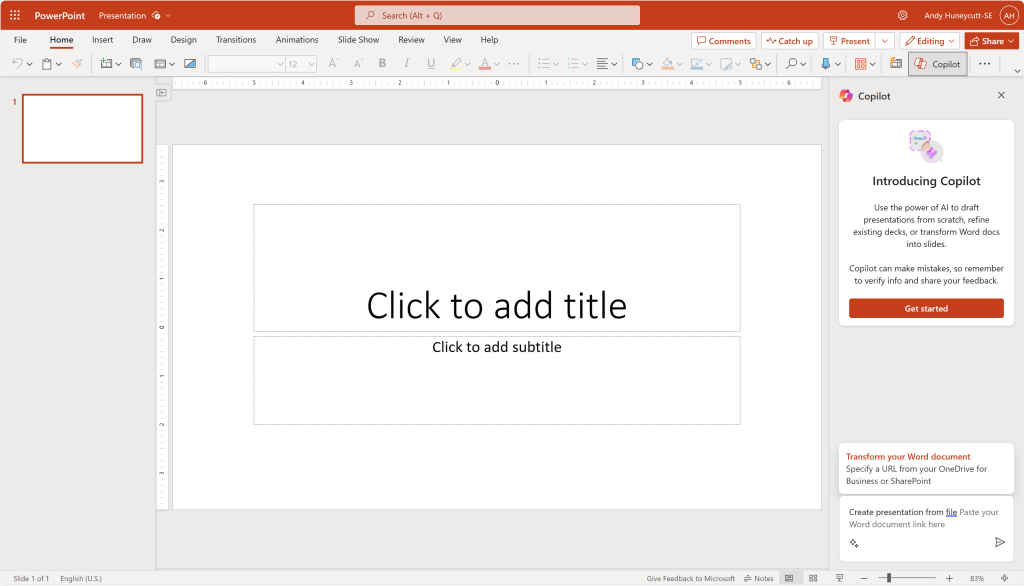
Microsoft 365 Copilot is a robust portal designed to assist in the seamless integration and utilization of the Microsoft 365 suite within any organization. It offers a reservoir of resources, adoption tools, and personalized insights to help maximize the benefits of Microsoft 365 tools. This hub acts as a roadmap for users, guiding them through the features and capabilities of Microsoft 365, making the journey toward digital transformation smoother and more navigable.
Summary:
- Resourceful Hub: With Copilot, access a wealth of resources including guides, adoption tools, and best practices to make the most of Microsoft 365.
- Personalized Insights: Tailored recommendations ensure your organization is leveraging the Microsoft 365 suite to its fullest potential.
- Adoption Simplified: Navigate the features and capabilities of Microsoft 365 with ease, ensuring a smoother transition to digital modernization.
The Microsoft 365 Copilot portal is a haven for organizations keen on harnessing the power of Microsoft 365 to its fullest. Here’s a deeper dive into what Copilot brings to the table:
- Resource Abundance: Copilot is a treasure trove of materials that expound on the functionality and benefits of Microsoft 365. From detailed guides and tutorials to best practices, the portal is equipped to answer the myriad questions users may have as they interact with the suite.
- Tailored Recommendations: Every organization is unique, and Copilot recognizes this. By offering personalized insights, it helps businesses identify the tools and features that resonate with their operations, thus promoting a more efficient utilization of the Microsoft 365 suite.
- Ease of Adoption: Transitioning to new digital tools can be daunting, but Copilot strives to alleviate these challenges. Its user-friendly interface and detailed roadmap facilitate a smoother adoption process, making the transition less overwhelming for all involved.
- Community Engagement: Copilot also fosters a sense of community by enabling interactions among Microsoft 365 users. Sharing experiences and solutions can be invaluable, and Copilot provides the platform for such exchanges.
- Continuous Improvement: The learning doesn’t stop with initial adoption. Copilot provides ongoing support and insights to ensure organizations continue to evolve and make the most of what Microsoft 365 has to offer.
Resources:
For a comprehensive understanding and a hands-on experience, the Microsoft 365 Copilot portal is the go-to place. Visit Microsoft 365 Copilot to explore the resources available and kickstart your journey towards digital empowerment with Microsoft 365.
Additionally, for more detailed insights and community discussions, the Microsoft Tech Community is a great platform to learn from other users and experts in the field.
In conclusion, Microsoft 365 Copilot is not just a tool, but a co-pilot ready to navigate the digital skies alongside your organization, ensuring a smooth and beneficial journey towards digital transformation.
 Upskill Tech
Leave a comment